
Rich Snippets & Schema
20+ schema types wired into WordPress with zero code.
Manual schema is brittle. One typo in JSON-LD and Search Console drops every rich result overnight.
How it works inside the plugin
- 1Choose a schema type per post from a dropdown — the plugin fills the fields from post data.
- 2Live validator runs against Google's structured data rules before you publish.
- 3Nested schemas (Product → Offer → AggregateRating) render automatically.
- 4Multi-schema per URL is supported — one page can be an Article, a HowTo, and a FAQPage.
- 5Every schema block is diffed on save so you can see exactly what changed.
Inside WBP Omni SEO Pro
Real product screenshots — click any image for full resolution.
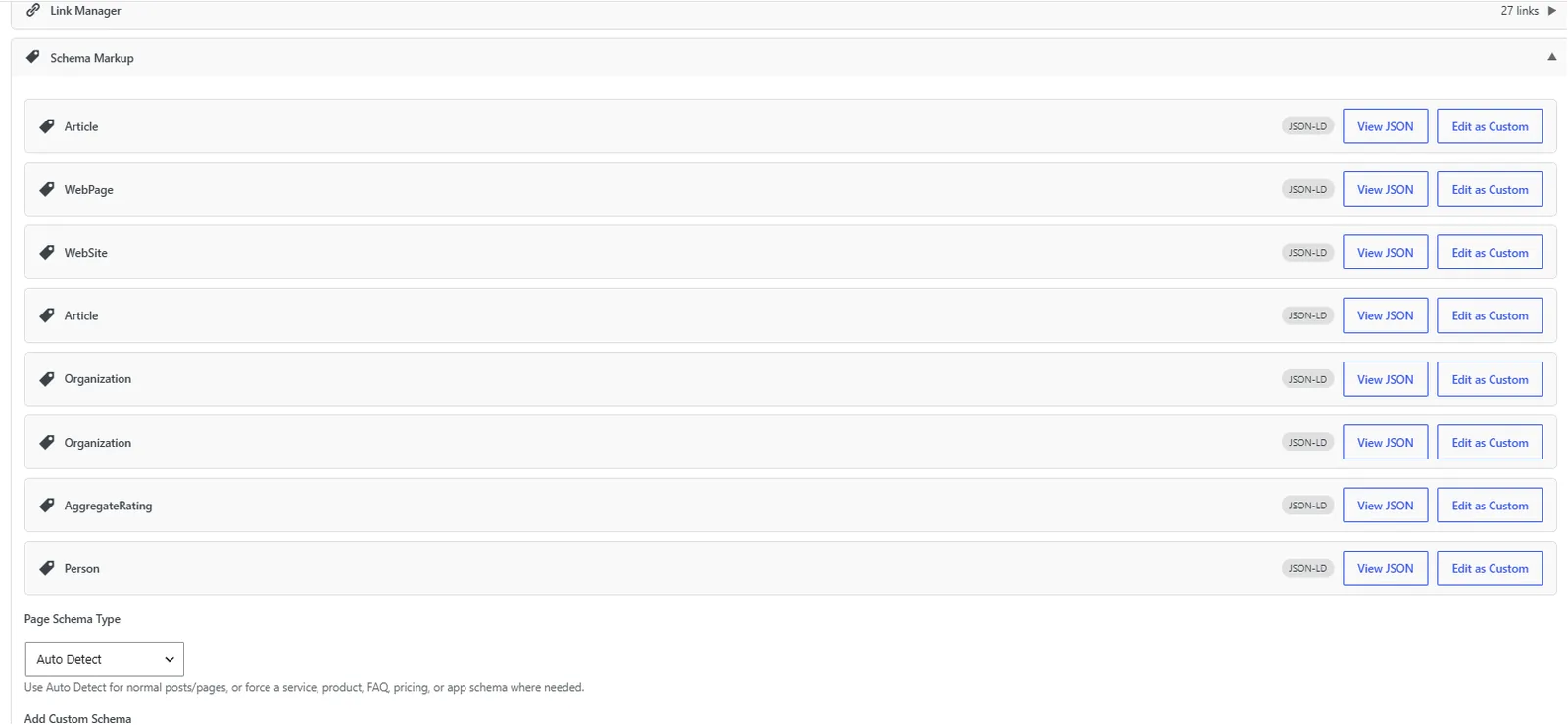
Post Editor — Schema Manager
Schema Manager inside the post editor: pick a type, edit fields, validate, and preview rich results.
- post-editor
- schema
- structured-data
- rich-results
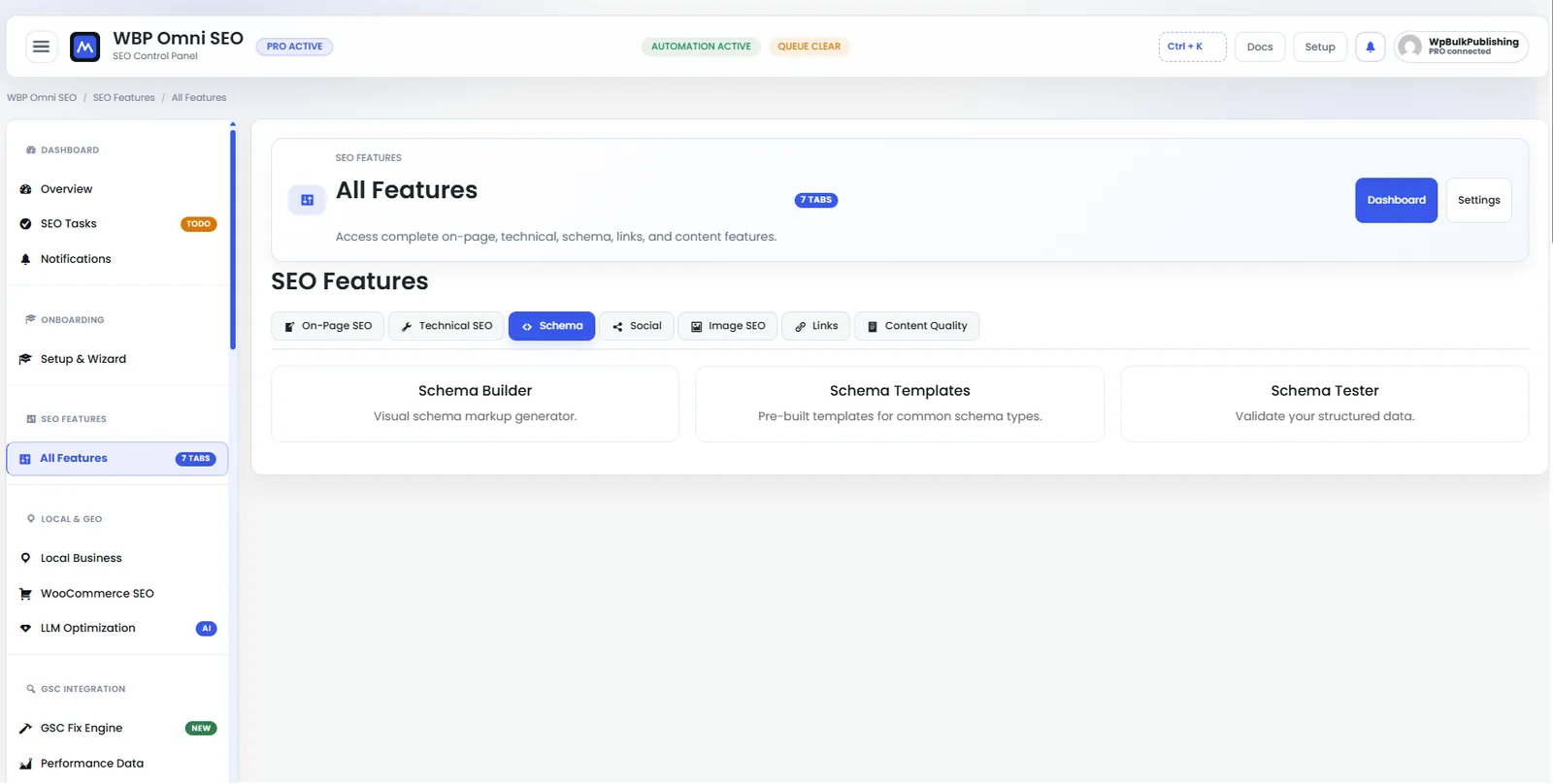
Feature Set — Schema
Full schema library: Article, Product, LocalBusiness, FAQ, HowTo, Course, Recipe and more.
- features
- schema
- structured-data
- rich-results
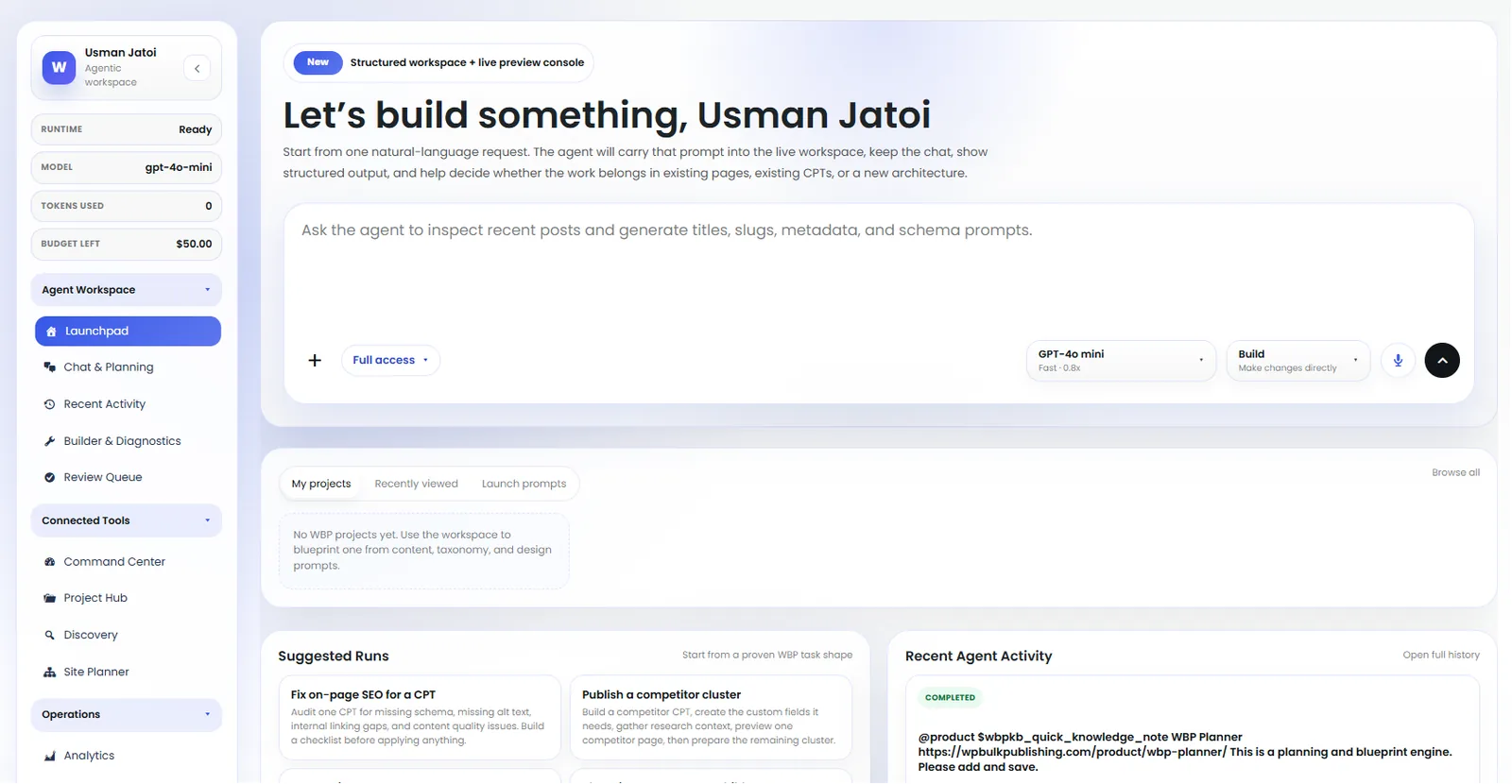
Agent Launchpad
Launch pre-built agents: keyword research, content briefs, internal linking, schema fixes.
- ai
- agents
- launchpad
- automation
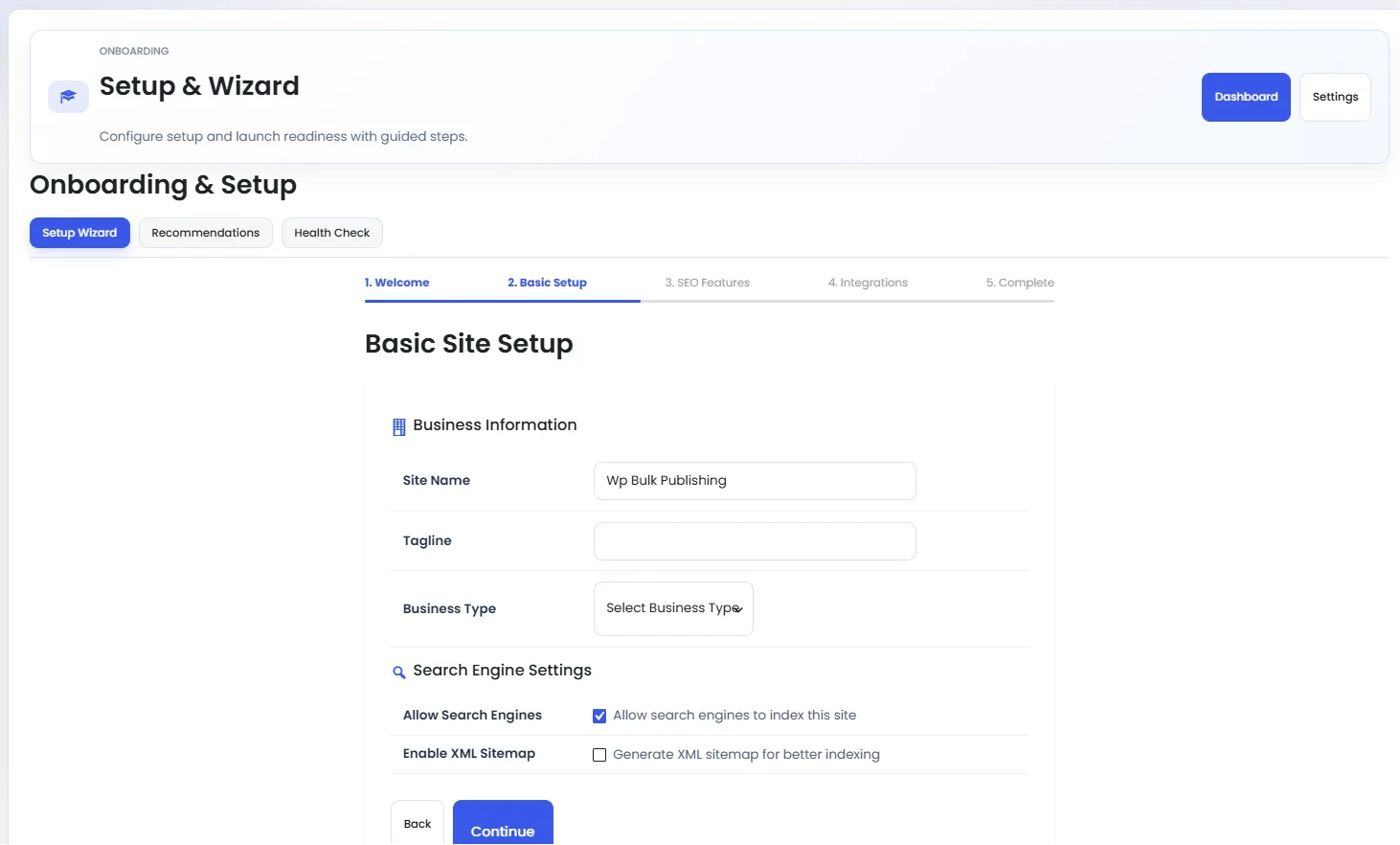
Setup Wizard — Basic Setup
Setup wizard step 2: site title, logo, social profiles, and default schema type.
- setup
- onboarding
- getting-started
- wizard
What you get out of it
Rich results eligible from day one.
Zero manual JSON-LD.
Higher CTR from stars, prices, and FAQ snippets.
- Ecommerce
- Recipe blogs
- SaaS docs
- Local business sites
FAQs
Do I need extra plugins to use Schema?
No. Schema ships inside WBP Omni SEO Pro. One install, one license, one settings screen — no add-ons, no per-site fees, no upsell walls.
Will Schema slow down my WordPress site?
No. Every module runs on demand, caches its output, and defers non-critical work to the background queue. On a shared host with 512 MB RAM we still see sub-200 ms TTFB after activation.
Does Schema work with my existing SEO plugin?
Yes — a one-click importer pulls titles, descriptions, redirects, and schema from Rank Math, Yoast, SEOPress, and AIOSEO. You can run WBP alongside them during the switch, then deactivate the old plugin when you're ready.
Related features
Breadcrumbs
SEO-friendly breadcrumbs with BreadcrumbList schema baked in.
Author SEO & Google E-E-A-T
Author profiles, credentials, and Person schema that satisfy Google's E-E-A-T signals.
Video SEO & Sitemaps
VideoObject schema and a dedicated video sitemap for every embedded clip.
Local SEO
LocalBusiness schema, NAP consistency, and multi-location support.
Get Rich Snippets & Schema plus every other feature — one plugin.
WBP Omni SEO Pro ships every module in one license. No add-ons, no per-site fees.
View pricing & buy